




Description
Download VivaVideo PRO Video Editor HD APK – video editor, HD video, mobile editing, 4K export, social media content, creative tools, video effects, fast editing
Overview
VivaVideo PRO Video Editor HD APK is a mobile video editing application designed to empower users with tools for creating dynamic and visually engaging content. The software enables individuals to transform raw video footage into polished, shareable media suitable for platforms such as Instagram, TikTok, and YouTube. It is particularly tailored for social media creators, influencers, and casual users who seek to enhance their videos with professional-grade effects and transitions. The app supports a wide range of creative functions, including trimming, cutting, speed adjustments, and text overlays, all accessible through an intuitive interface. Its ability to export videos in 4K resolution highlights its focus on high-quality output, making it suitable for users who prioritize visual clarity and detail. The developer, VivaVideo, has positioned the tool as a comprehensive solution for content creation without the constraints often found in other mobile editors. Users can work on lengthy projects without limitations on file length or effect usage. Real-world applications include crafting short-form videos for social media, producing music videos, and editing personal vlogs. The software is designed to be accessible to beginners while still offering depth for more experienced creators. The developer did not provide additional details about the company’s background beyond the app name.
Key Features & Capabilities
- HD and 4K Video Export – Users can render final videos in high definition and 4K resolution, ensuring sharp visuals ideal for modern platforms that support high-quality content.
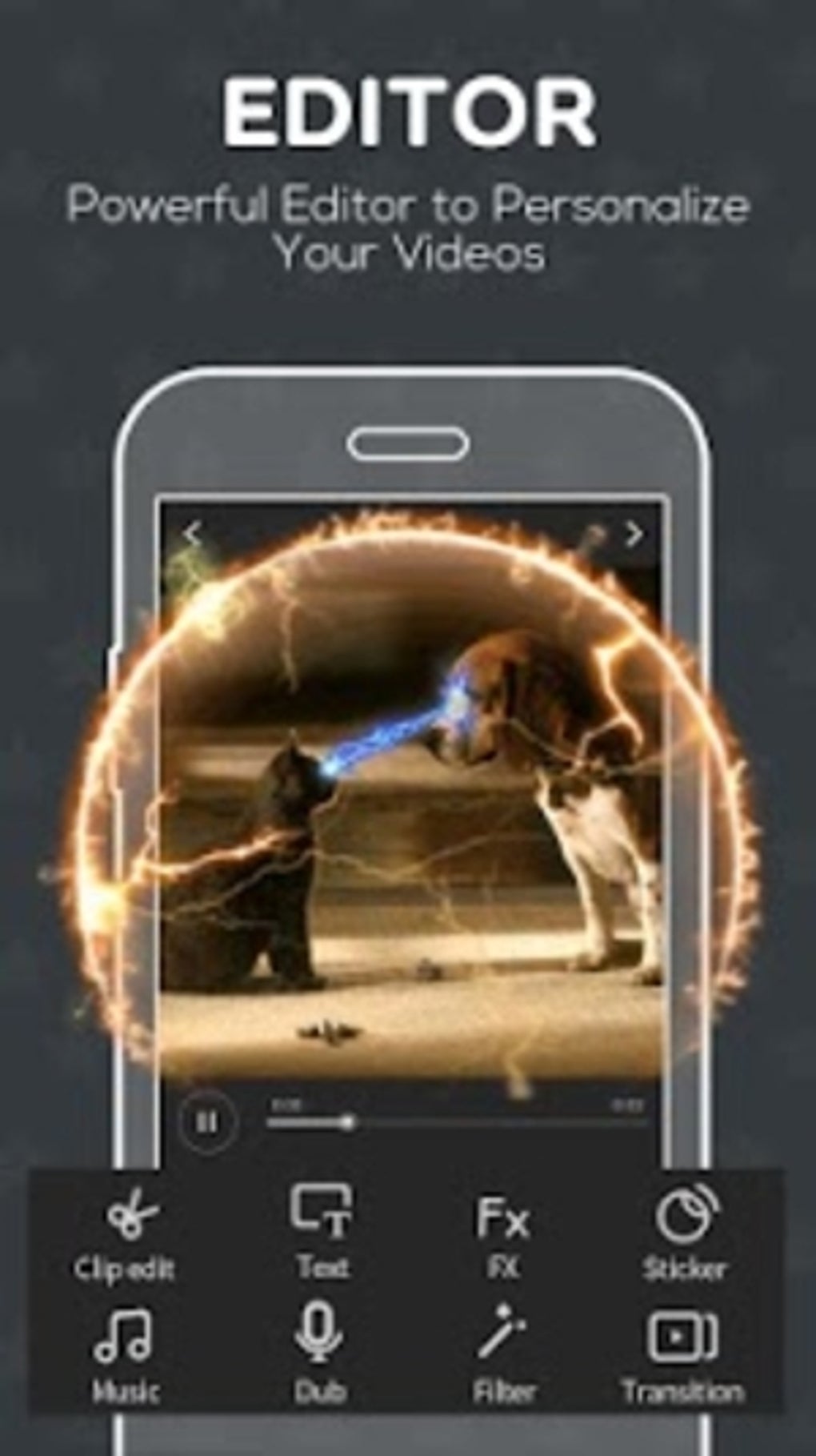
- Advanced Editing Tools – Includes cutting, trimming, splitting, speed control, and audio adjustment, enabling precise manipulation of video clips.
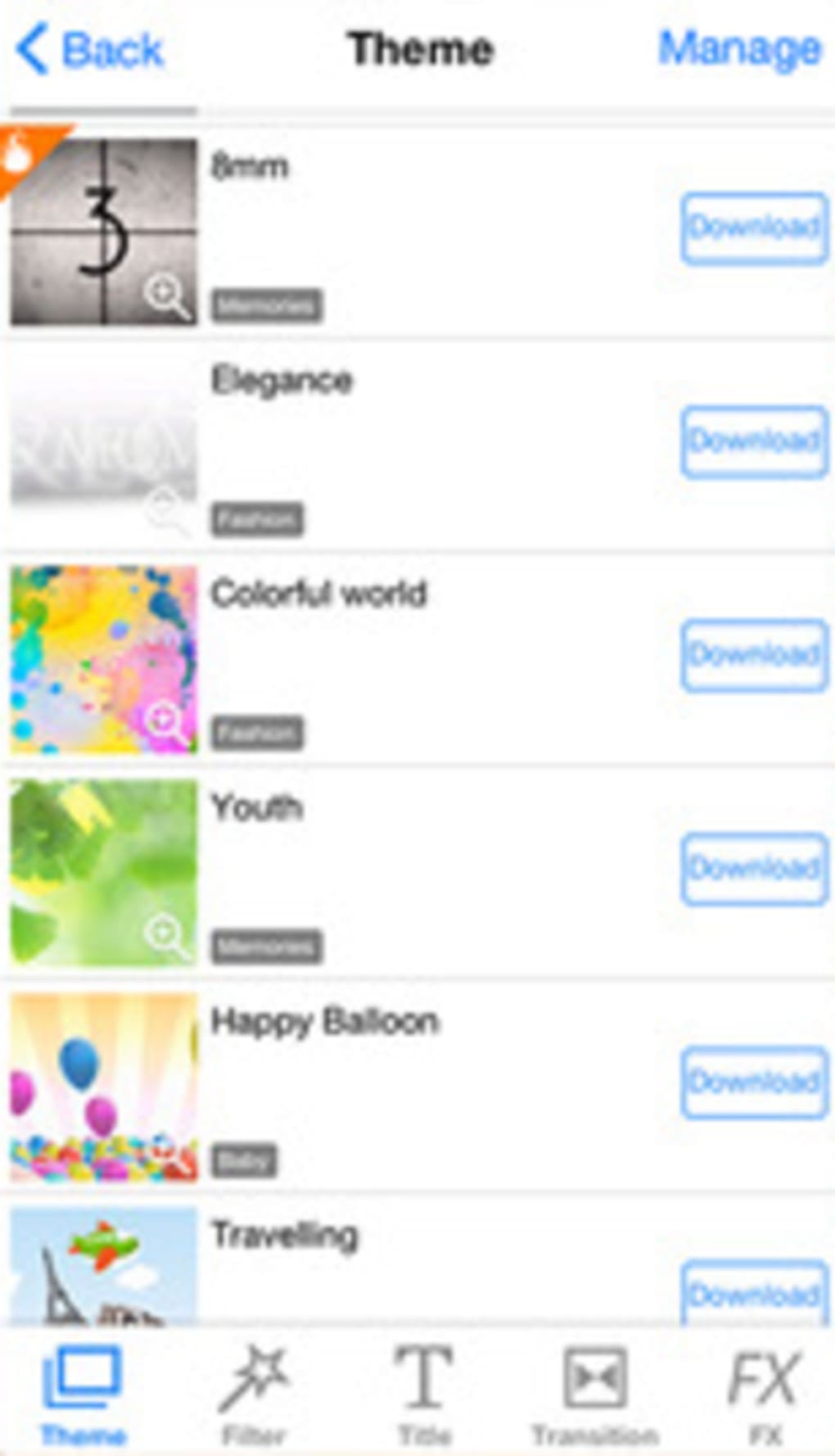
- Extensive Effects Library – Offers a wide variety of transitions, filters, overlays, and animated text to enhance visual storytelling.
- Multi-Platform Optimization – Automatically adjusts video orientation and aspect ratio for compatibility with Instagram, TikTok, Vine, and other social media platforms.
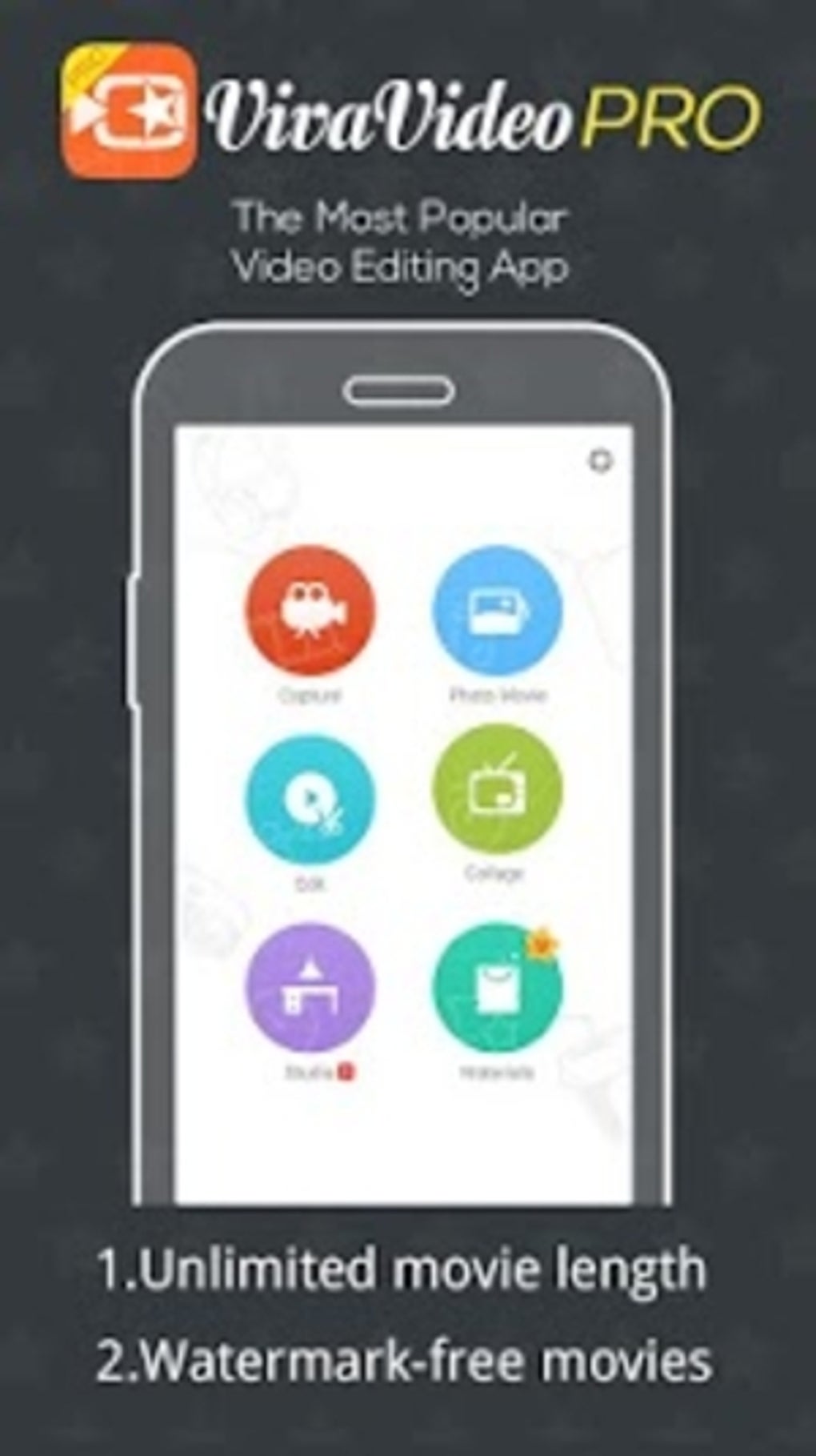
- Unlimited Project Length – Allows editing of long-form videos without file size or duration restrictions, supporting complex projects with multiple layers.
- Music and Sound Integration – Supports adding background music, sound effects, and voiceovers, with options for audio ducking and volume control.
These features enable users to produce cinematic-quality videos with minimal effort. For example, a content creator can compile a 10-minute vlog, apply dynamic transitions between clips, insert on-screen text, and overlay background music—all within a single workflow. The app’s fast editing capabilities allow for real-time previewing and adjustments, reducing the time between concept and final output. The integration of platform-specific templates ensures that videos are optimized for immediate upload, eliminating the need for manual resizing or reformatting.
User Interface, Workflow & Performance
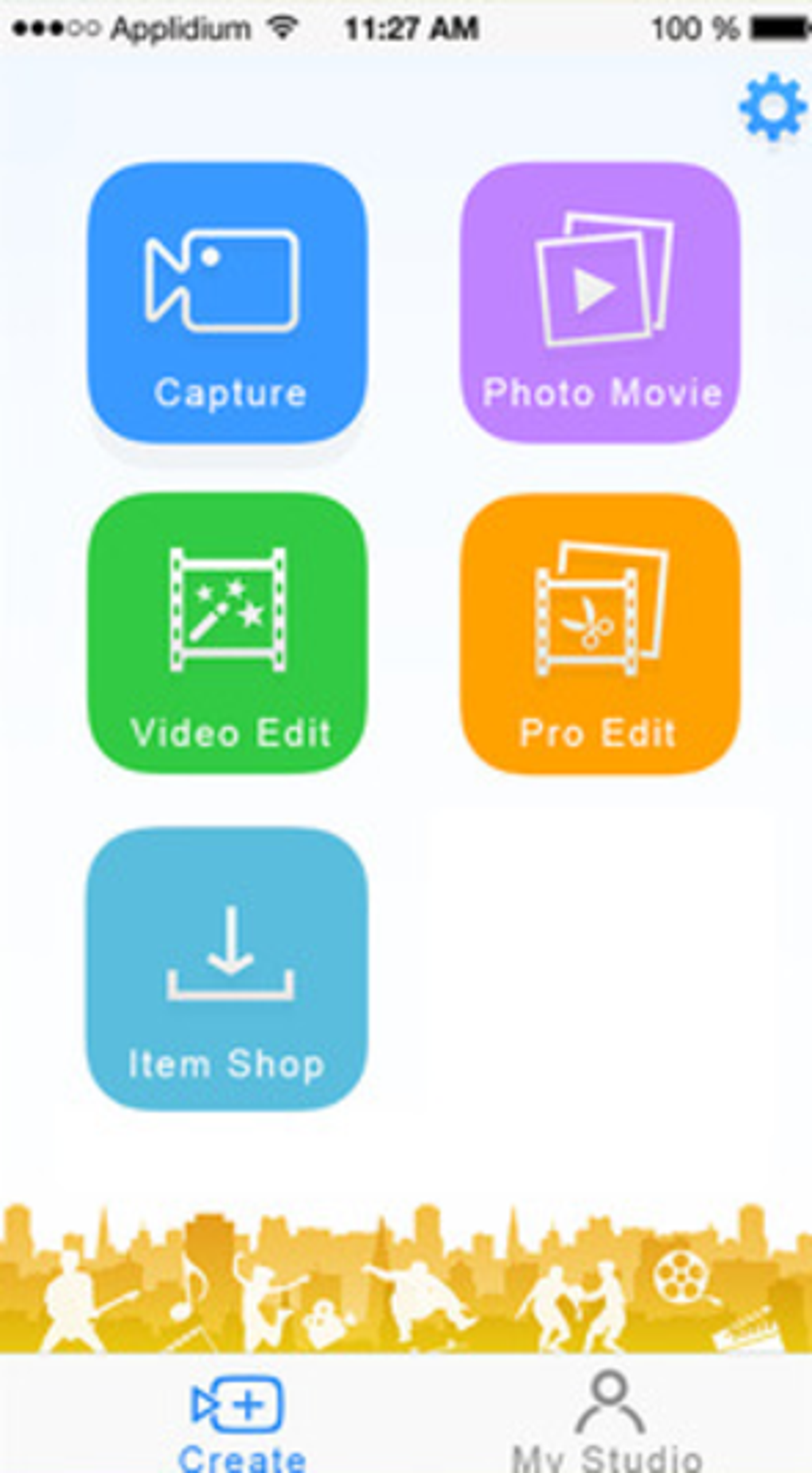
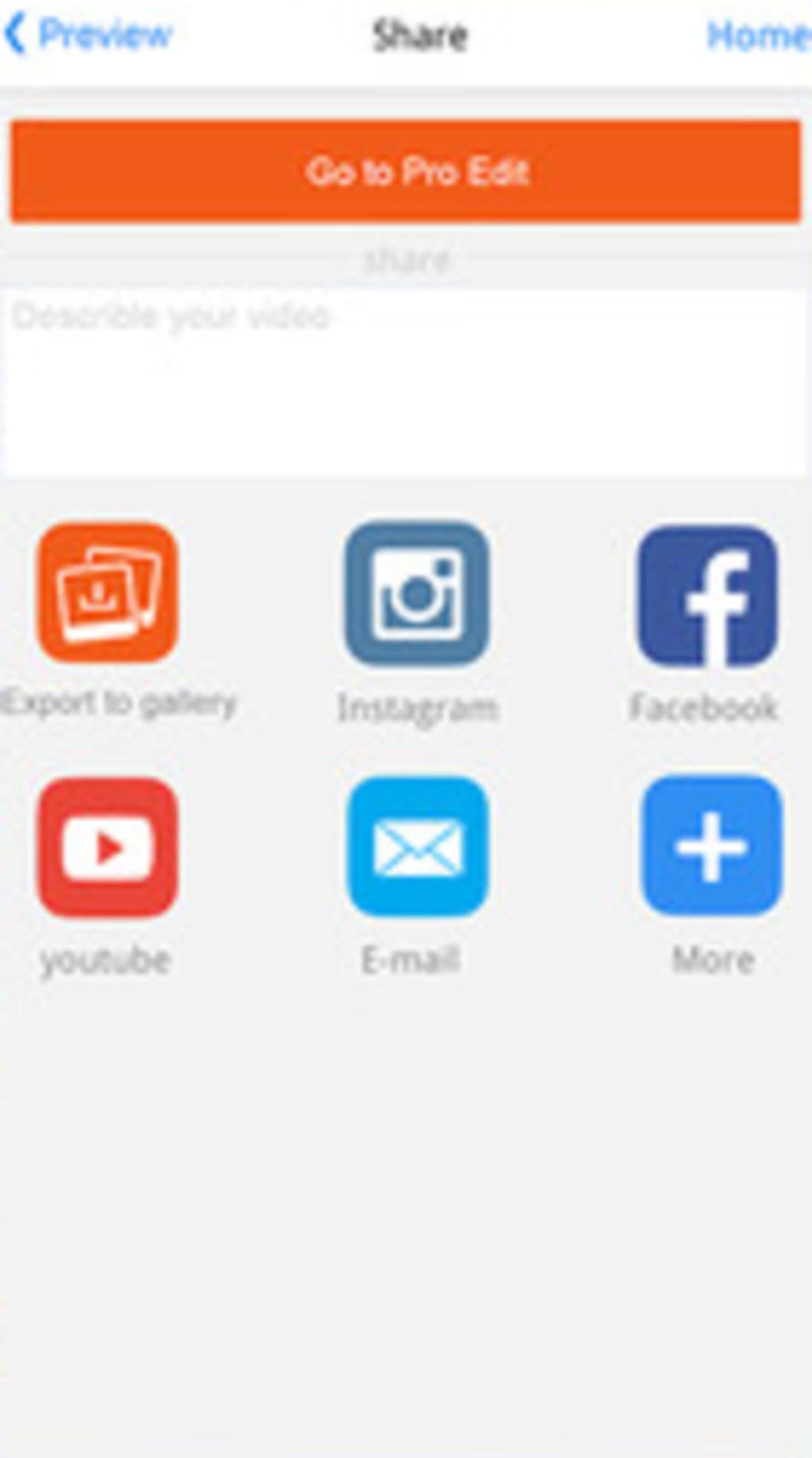
The user interface of VivaVideo PRO is structured around a clean, tab-based navigation system that organizes tools by function—such as editing, effects, audio, and export. This layout promotes intuitive access to core features, allowing users to switch between tasks without confusion. The workflow is streamlined, with most actions requiring only a few taps or swipes, making it accessible to beginners while still offering depth for advanced users. The app supports touch-based gestures for trimming and adjusting clips, enhancing the editing experience on mobile devices. Performance observations are based on general software behavior patterns. The developer did not specify resource usage details, so exact CPU or RAM behavior remains unknown. However, the app’s lightweight installation size of 72 MB suggests efficient memory management. Stability during extended editing sessions was not verified in the provided information. The app is designed to run on Android devices, with compatibility dependent on the device’s hardware and OS version.
Compatibility & System Requirements
VivaVideo PRO Video Editor HD APK is designed for Android operating systems. The software version is 10.5.0, released on April 15, 2024. The installation file size is 72 MB, indicating a relatively compact footprint. The developer did not specify exact system requirements, including minimum RAM, processor speed, or supported Android versions. Compatibility information was partially provided. Users should ensure their device meets the baseline requirements for running Android applications. The app may not function optimally on older or low-end devices, but no specific hardware limitations were outlined. Platform compatibility is limited to Android, and no support for iOS, Windows, or Mac is mentioned. Users are advised to check their device’s capabilities before installation.
Pros and Cons
Pros
- Supports 4K video export for high-quality output
- Intuitive interface suitable for beginners and intermediate users
- Unlimited project length with no restrictions on effects or transitions
- Optimized for social media platforms with automatic formatting
- Free to download and use, with no upfront cost
Cons
- Exact system requirements were not listed
- Performance under heavy workloads was not specified
- No information on cloud sync or collaboration features
- Availability limited to Android only
- Version history and update frequency not provided
FAQ Section
Is VivaVideo PRO Video Editor HD APK compatible with my Android device?
The app is designed for Android operating systems. However, the developer did not specify minimum OS version or hardware requirements. Users should ensure their device supports modern Android applications.
Is the app safe to download and use?
VivaVideo PRO is distributed as an APK file. While the developer is known in the mobile editing space, users should only download from trusted sources to avoid potential security risks.
Can I use VivaVideo PRO without an internet connection?
Yes, the app supports offline editing. Most core features, including trimming, effects, and export, can be used without an active internet connection.
Does the app offer a free version with limited features?
The provided information states the app is free to download. However, no details were given about in-app purchases, ads, or feature restrictions in the free version.
How often are updates released for VivaVideo PRO?
The latest version is 10.5.0, released on April 15, 2024. No information was provided about update frequency or release schedule.
Final Thoughts + CTA
VivaVideo PRO Video Editor HD APK stands out as a powerful mobile solution for users seeking high-quality video editing without complexity. Its combination of 4K export capabilities, intuitive workflow, and platform-specific optimization makes it a strong choice for social media creators and content producers. The app’s ability to handle long-form projects without limitations is a notable advantage over many competitors. While some technical details remain unspecified, the core functionality is robust and accessible. It is particularly well-suited for beginners who want to produce professional-looking videos quickly, as well as for experienced users who need a reliable tool for fast content creation. The free pricing model enhances its appeal, though users should remain cautious about potential in-app elements. Overall, VivaVideo PRO delivers a compelling balance of features, usability, and performance. Download VivaVideo PRO Video Editor HD APK now and elevate your video content with ease.
Guides & Tutorials for VivaVideo PRO Video Editor HD APK
How to install VivaVideo PRO Video Editor HD APK
- Click the Preview / Download button above.
- Once redirected, accept the terms and click Install.
- Wait for the VivaVideo PRO Video Editor HD APK download to finish on your device.
How to use VivaVideo PRO Video Editor HD APK
This software is primarily used for its core features described above. Open the app after installation to explore its capabilities.
User Reviews for VivaVideo PRO Video Editor HD APK 0
No reviews found





